Basic
For small clinics
399EGP / monthly
3,990EGP / annualSave 2 months
3 accounts (including the owner)
- All program features
- Manage up to 3 users
- Updates and support
- Backup and data restore
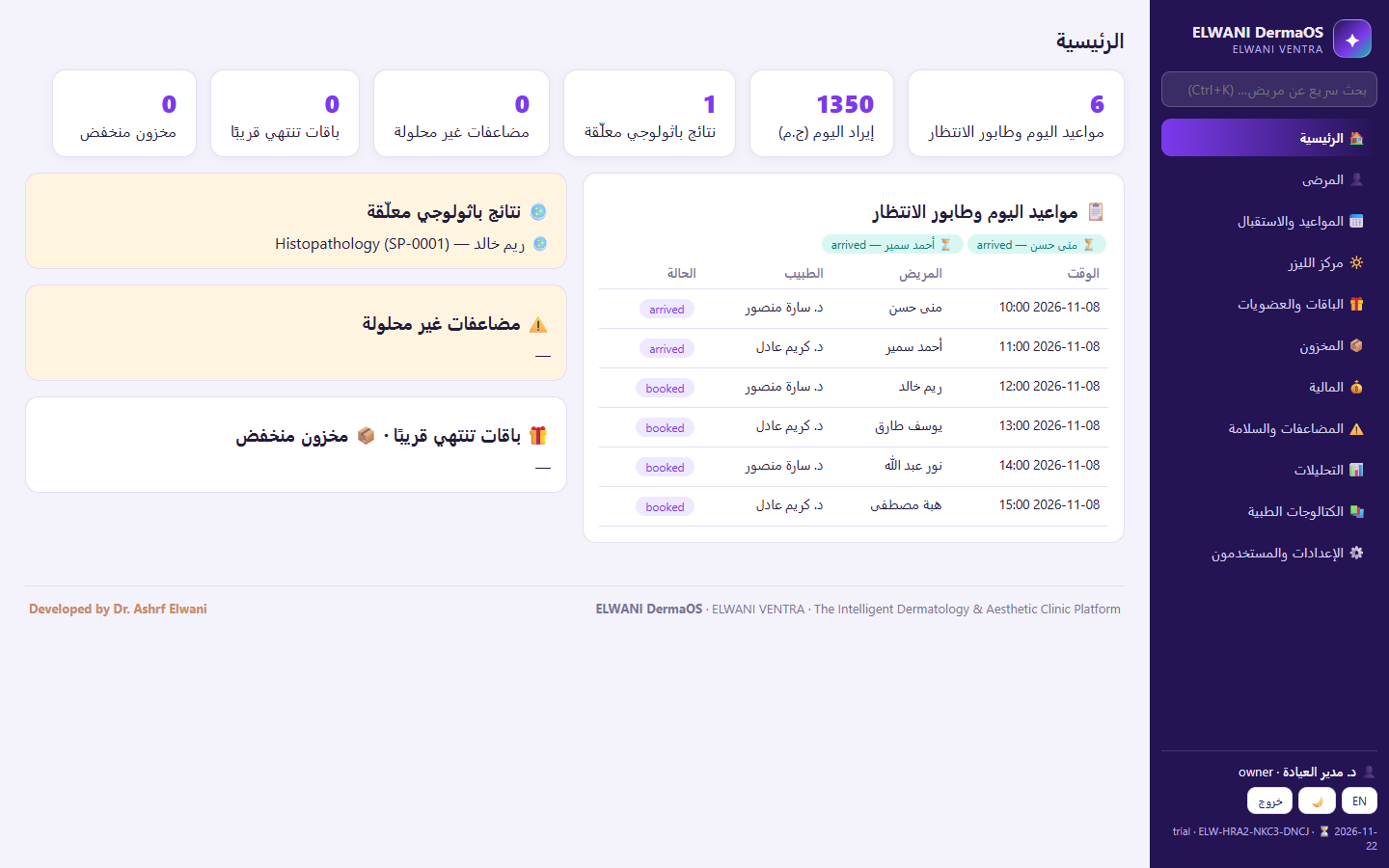
Everything a dermatology clinic needs in one Windows program: from exams and medical photos to laser sessions, aesthetic procedures, and finance, with your data on your own computer.
Complaint, history, morphology, distribution, anatomical site, and SOAP notes, with signing, locking, and amendments.
Mark lesions on front and back views, and follow lesions and dermoscopy with follow-up dates.
Originals kept untouched, before and after comparison, photo-use consents, and every view or export is logged.
Devices, maintenance, authorized operators, and sessions with operator-documented settings and a safety checklist.
Botox, fillers, PRP, peels, and more, with product batch traceability for every patient.
Hair assessments, nail records, and biopsies with specimen and pathology result tracking.
Session packages with installments, invoices, payments, refunds, expenses, and reports.
The database and every patient photo in one verified, encrypted backup, with a restore wizard.
9 roles with separate permissions, an audit trail for sensitive actions, and medical records are never silently deleted.
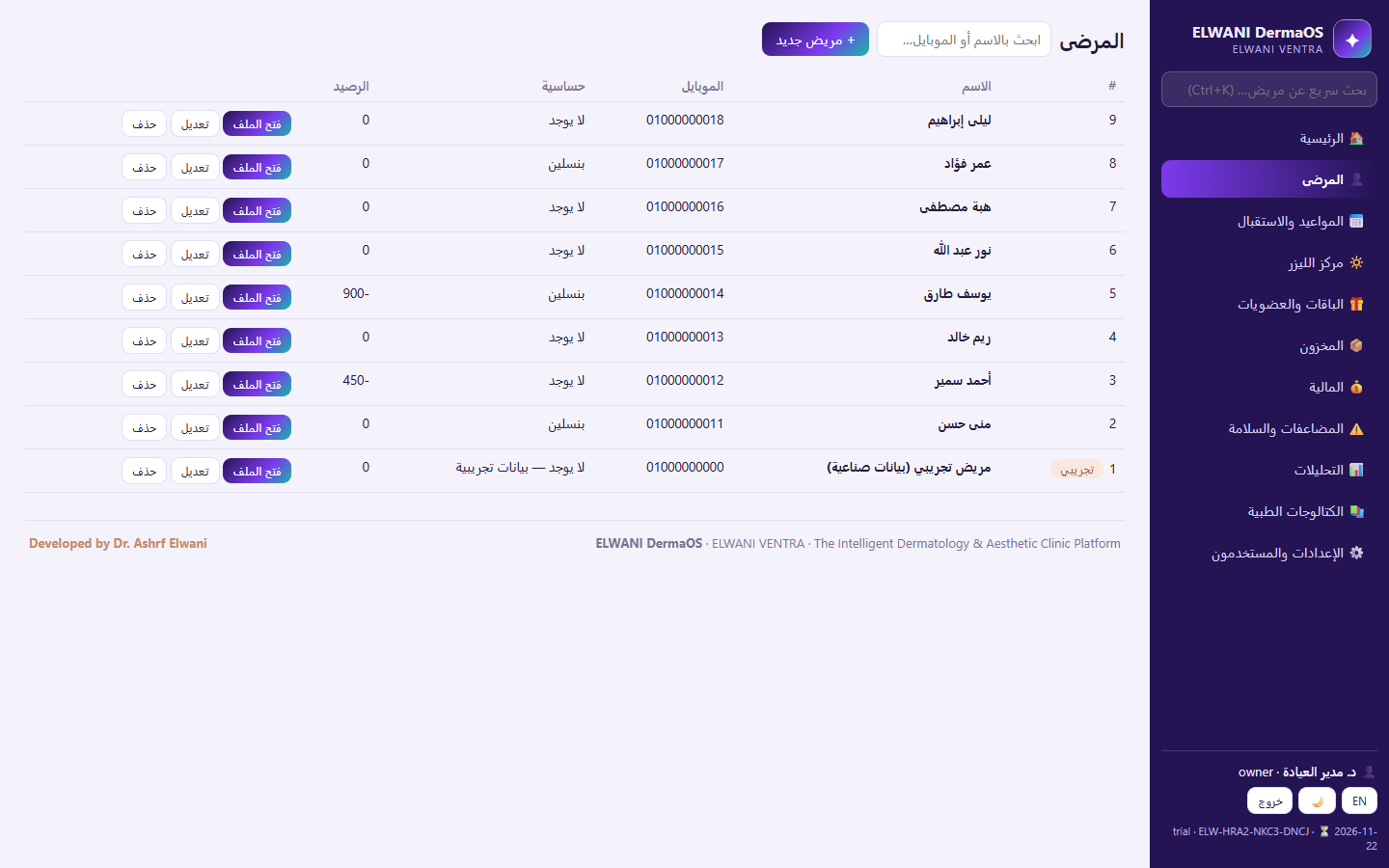
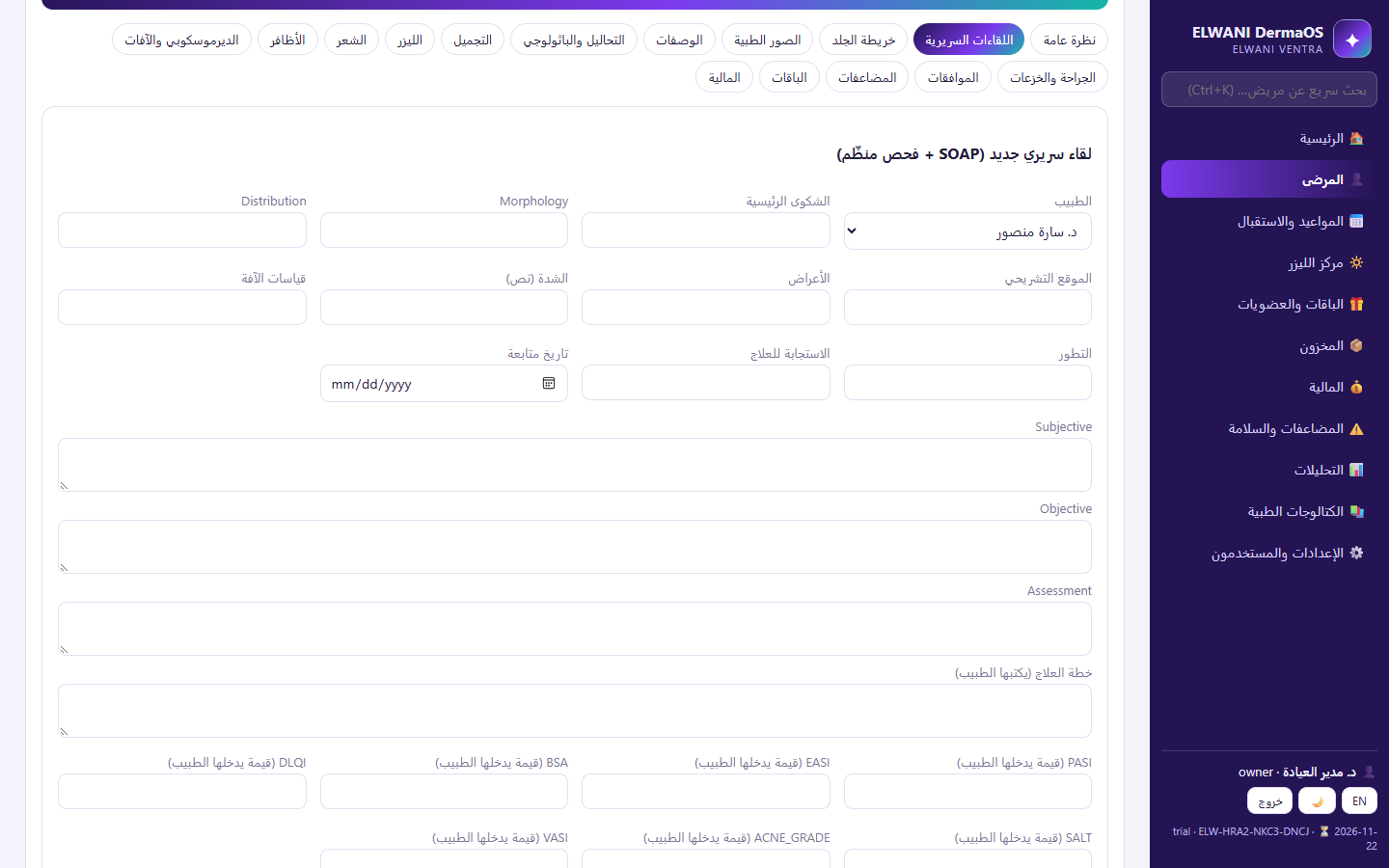
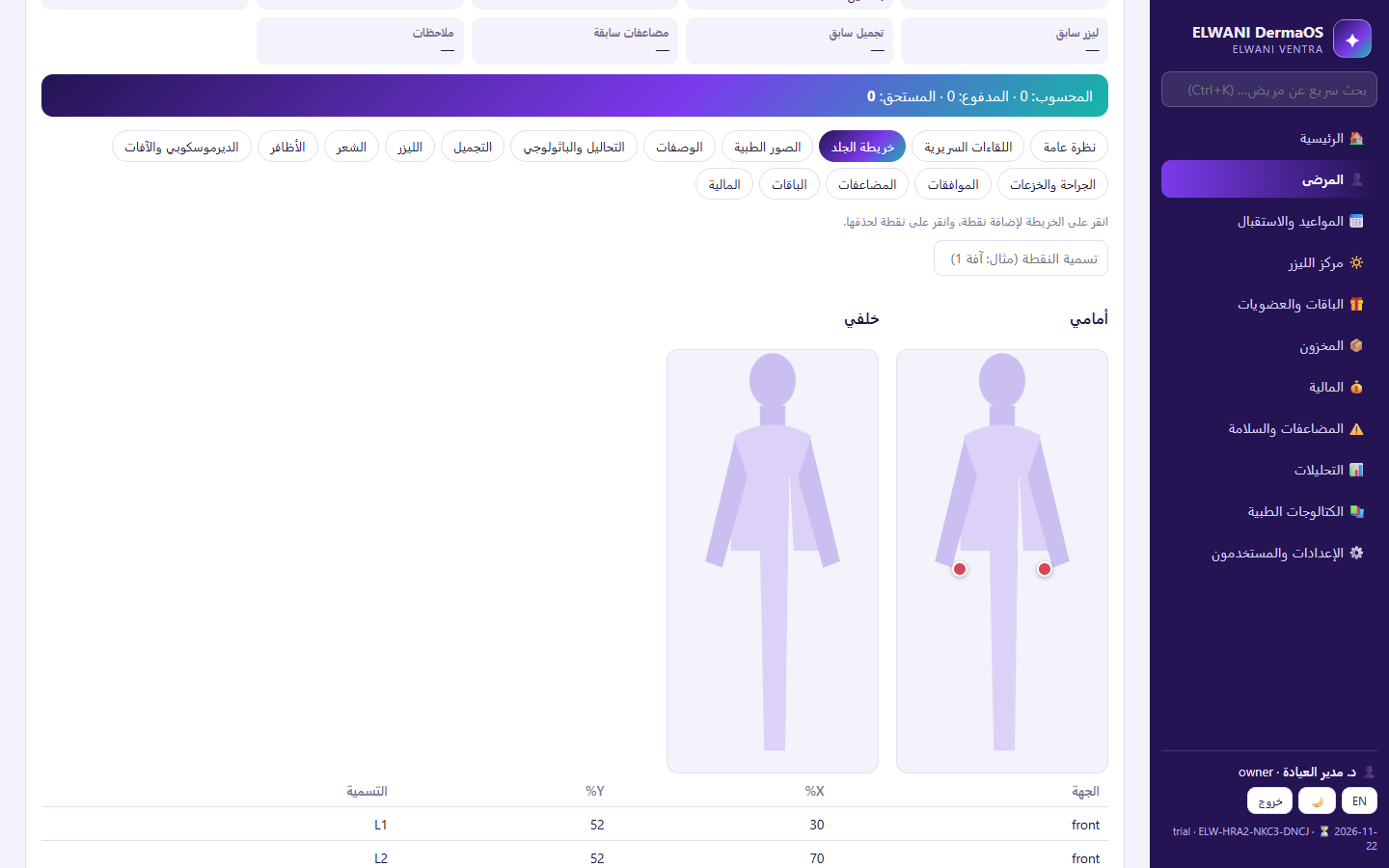
Names and numbers are sample data.
All daily work runs on your computer. Connecting to ELWANI VENTRA is optional, only for automatic activation.
Activation and subscriptions never send any patient data.
A digitally signed activation code bound to the clinic computer. When a subscription ends, DermaOS becomes read-only and no data is deleted.
Choose the plan that fits your dermatology clinic. All features, updates, and support are included.
For small clinics
3 accounts (including the owner)
Ideal for most dermatology clinics
5 accounts (including the owner)
For large centers
10 accounts (including the owner)
Leave your details in a message, and we will contact you at launch to arrange a demo.
14-day free trial. The official installer from this website.
6ab5b5ec20a2dc075ed3d954e2efd4ce7a272f6c569324cde7268b118790f54aNo. DermaOS runs entirely on your computer. The connection is optional, to receive activation and renewal codes automatically.
No. Activation only sends the Request ID, clinic name, license state, and number of accounts, never any patient data.
Yes. A full backup contains the database and every patient photo, and can be encrypted with a passphrase.
DermaOS becomes read-only: you can still view, print, and back up, and no data is deleted.
No. Diagnoses, treatments, and treatment settings are decided and documented by the clinician; DermaOS never suggests treatment.
Plans support 3, 5, or 10 accounts, including the owner.
Our support team can help with DermaOS.